The Ecosystem
OpenVox is more than a single command. It ships with — and is surrounded by — a set of tools that you will use constantly. This chapter introduces the most important ones.
facter
facter collects information (facts) about a system. The fact-collection
library is called OpenFact, the community-maintained successor to Facter; the
command you run is still facter.
If you run facter with no options, it lists all known facts about the system.
Try it yourself
Run facter on your machine and skim the output.
Note that the command is facter with an "e", not factor with an "o" —
factor is an unrelated math utility that will sit waiting for input.
You can also pass one or more fact names to get just those values. Keys of
structured facts can be retrieved by separating the fact and key names with .:
$ facter kernel
Linux
$ facter kernel os.release
kernel => Linux
os.release => {
  full => "7.6.1810",
  major => "7",
  minor => "6"
}
Try it yourself
Look at the values of various facts, such as networking, os, and
virtual. Note that while facter runs as a regular user, some facts are
only accessible when it is run as root.
Hiera
Hiera is an external data layer for OpenVox. It can be used for environment-wide data or inside modules.
Hiera data is stored in layers (a hierarchy) where, by default, higher layers override lower layers. Hiera natively supports YAML and JSON files for data, and it also supports pluggable backends.
Hiera is covered in much more depth in Logic, Facts, and Hiera.
r10k
r10k is a tool for dynamically managing OpenVox environments based on git
branches. Each branch of a control repository becomes an environment on disk,
which makes it the cornerstone of a git-based deployment workflow.
You will use r10k hands-on in the exercises.
The Puppet Forge
The Puppet Forge is the public repository for
Puppet modules, including the OpenVox-maintained modules published under the
puppet namespace. OpenVox installs and uses modules from the Forge directly.
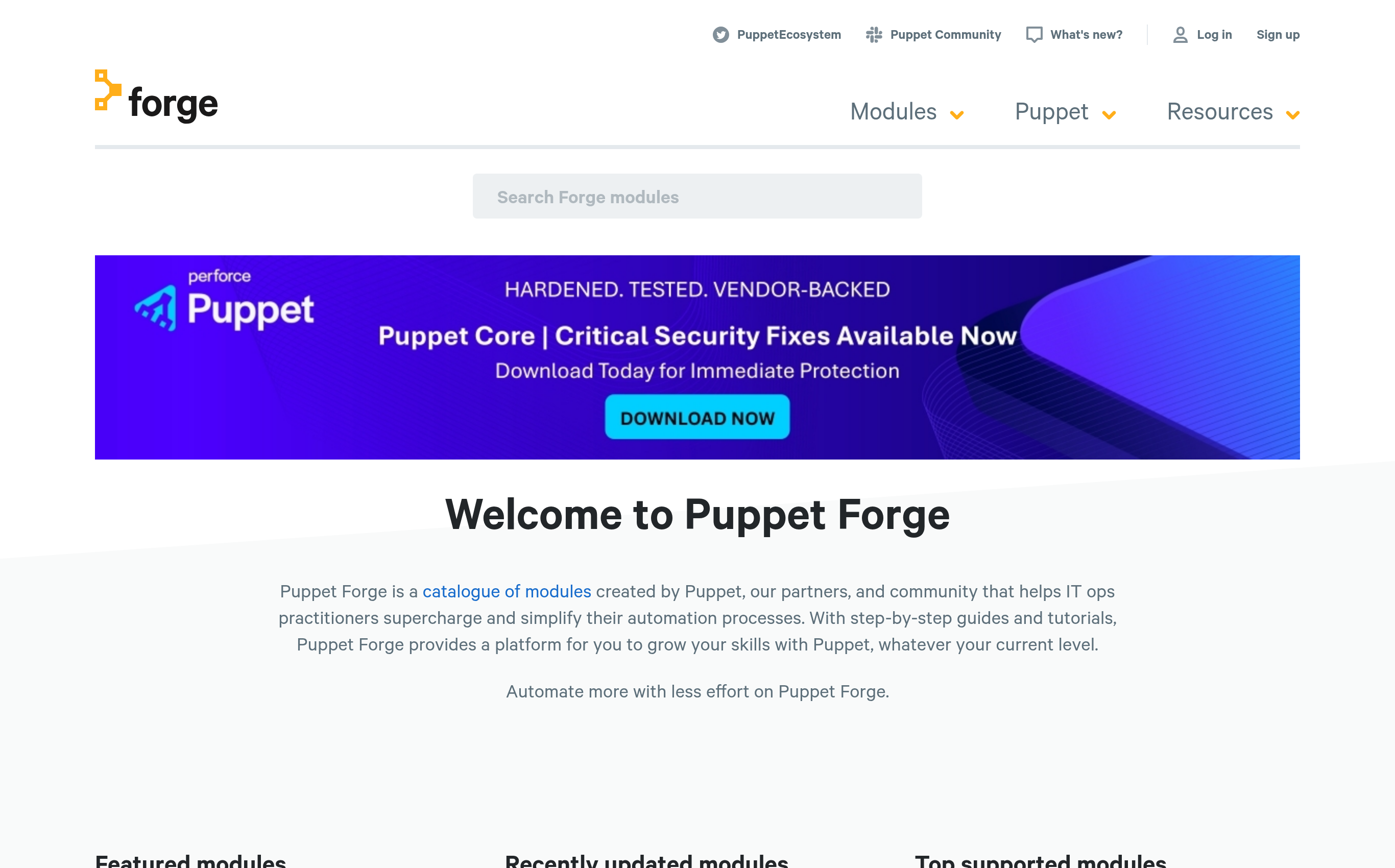
From the search box, you can search for module names and technologies.
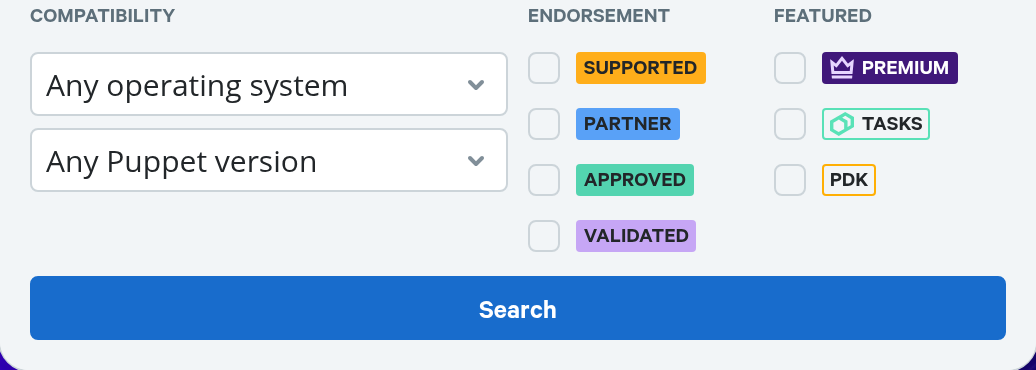
You can specifically search for Supported or Approved modules:
You can also search for modules that include Tasks.
Search results can be further filtered and sorted.
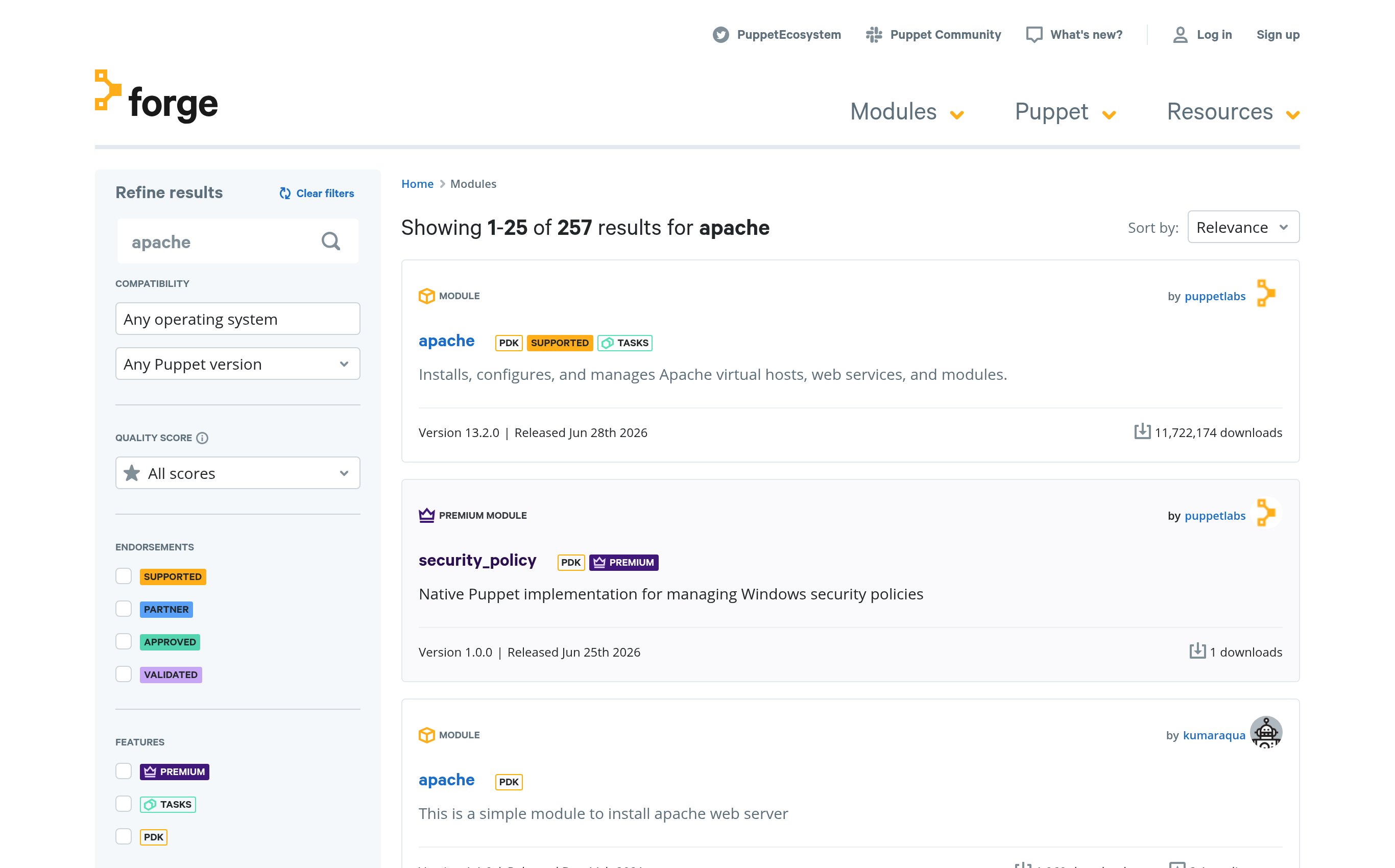
When evaluating a module from the search results, pay attention to:
- Date of the last release. Modules from before ~2016 are unlikely to follow current best practices.
- Number of downloads.
- Quality score.
The page for each module contains a large amount of information, most of which
comes directly from the module's metadata.json. This is the page for the
puppet/archive module
maintained by Vox Pupuli:
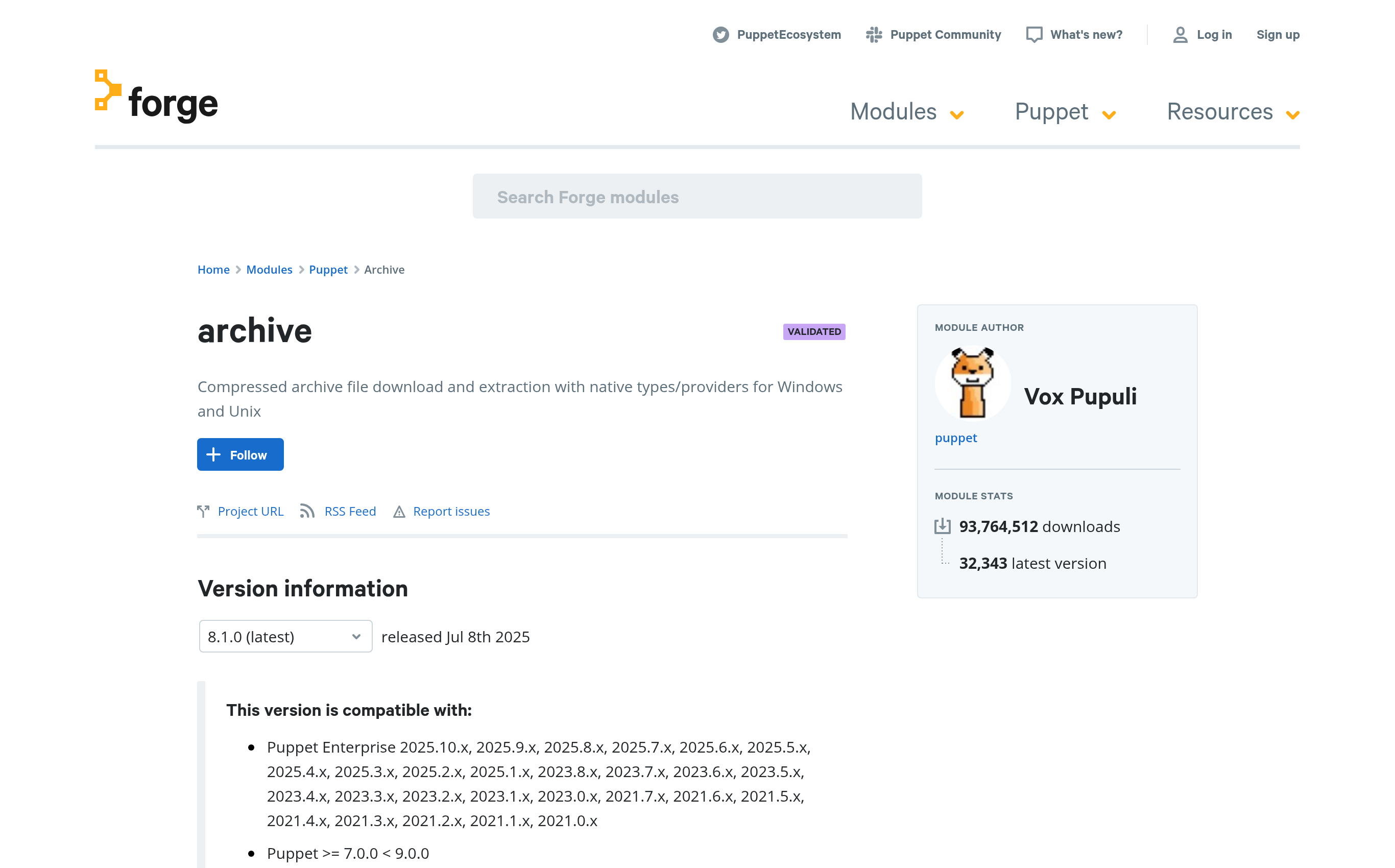
Highlights to look for on a module page:
- The Project URL link typically goes to the source (often a GitHub project)
- The README typically explains how to use the module
- Changelog, Dependencies, Compatibility, License, and scores
- Tags from
metadata.jsonare used in search - Installation instructions and direct download of current or previous versions
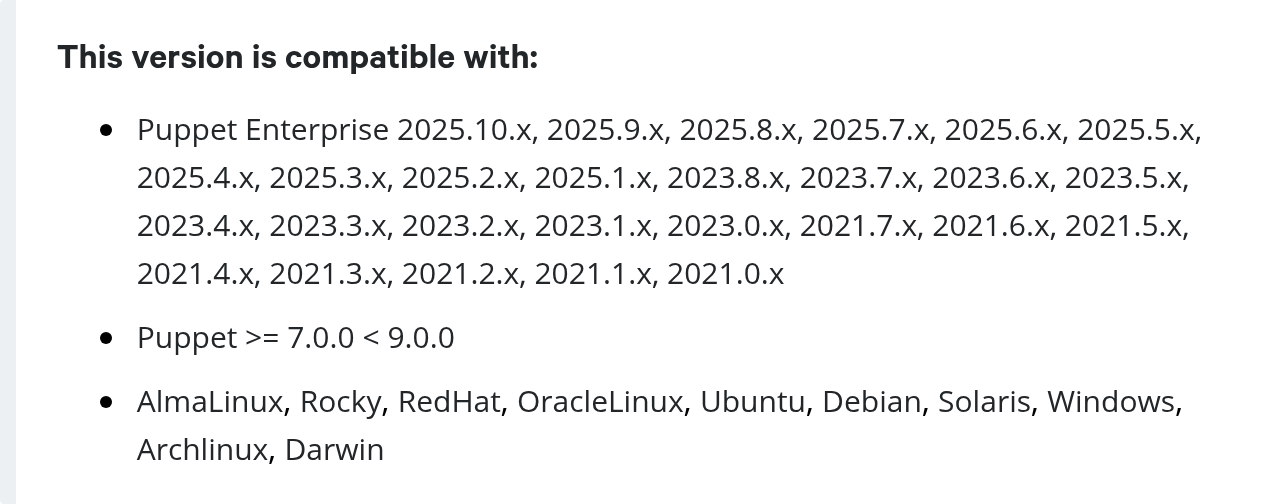
- A compatibility section lists the supported Puppet versions and operating systems
Try it yourself